
$4.17
Add to Cart
Photomatrix Essentials 4 ,Win and Mac ,Digital Download only , send by text/email
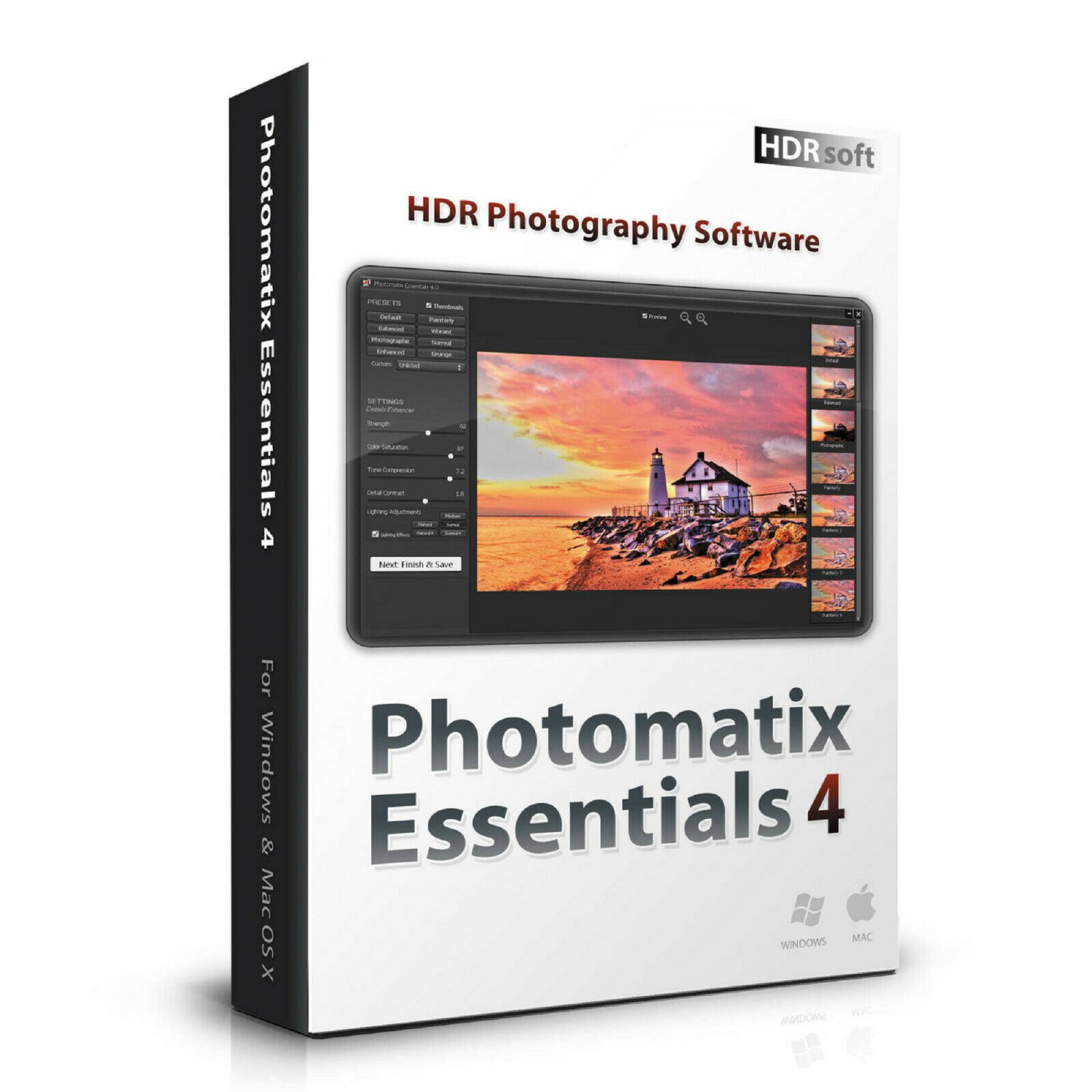
Have you ever photographed a high contrast scene? If so, you know that even the best exposure gives you blown out highlights, flat shadows, or both. The solution is High Dynamic Range (HDR) processing:
Take multiple photographs at varying exposure levels (brackets)
Merge the photos into an HDR image
Choose a style, from natural to painterly or surreal, and adjust settings to get the look you want
Photomatix Essentials 4 Key Features:
Merge of upto 5 bracketed photos
HDR Tone Mapping with Details Enhancer
HDR Tone Mapping with Contrast Optimizer
Exposure Fusion with Fusion/Natural
Finishing Touch (sharpening, contrast)
Undo Tone Mapping / Fusion
Automatic alignment of hand-held photos
Automatic ghost removal
Thumbnails of built-in presets
Saving and loading of user presets
Automatic noise reduction
New in version 4.2
New Tone Mapping method designed to give realistic looking results while preserving details in highlight and shadow. It is called Contrast Optimizer and adds the ‘Balanced’ and ‘Vibrant’ Presets.
Finishing Touch step to add Contrast or Sharpening before saving.
Back button to return to the Adjust & Preview step and apply other settings.
Preview checkbox in the Adjust & Preview step to toggle between the original and the image with settings applied.
Option in Preferences to refresh the Preview continuously as slider moves (not available in Win 32-bit version).
New HDR method called Tone Balancer and associated 'Realistic' preset.
EXIF data of source images are now fully preserved in the saved image.
Support for recent camera models such as the Canon 6D Mark II and 5D Mark IV.
Improved the consistency of how the settings adjustments sliders are listed on the left side of the Step 2 window: the Color Saturation and Brightness sliders are now available for all methods and positioned at the same place.
Bug fixed (Windows only): When running under high display scaling setting, the 'Save' button wasn't accessible on the Step 3 window.
Supports Windows 7, 8/8.1, and 10 (32-bit and 64-bit), MacOS 10.6+
This is a 1-computer lifetime license
No free updates
Take multiple photographs at varying exposure levels (brackets)
Merge the photos into an HDR image
Choose a style, from natural to painterly or surreal, and adjust settings to get the look you want
Photomatix Essentials 4 Key Features:
Merge of upto 5 bracketed photos
HDR Tone Mapping with Details Enhancer
HDR Tone Mapping with Contrast Optimizer
Exposure Fusion with Fusion/Natural
Finishing Touch (sharpening, contrast)
Undo Tone Mapping / Fusion
Automatic alignment of hand-held photos
Automatic ghost removal
Thumbnails of built-in presets
Saving and loading of user presets
Automatic noise reduction
New in version 4.2
New Tone Mapping method designed to give realistic looking results while preserving details in highlight and shadow. It is called Contrast Optimizer and adds the ‘Balanced’ and ‘Vibrant’ Presets.
Finishing Touch step to add Contrast or Sharpening before saving.
Back button to return to the Adjust & Preview step and apply other settings.
Preview checkbox in the Adjust & Preview step to toggle between the original and the image with settings applied.
Option in Preferences to refresh the Preview continuously as slider moves (not available in Win 32-bit version).
New HDR method called Tone Balancer and associated 'Realistic' preset.
EXIF data of source images are now fully preserved in the saved image.
Support for recent camera models such as the Canon 6D Mark II and 5D Mark IV.
Improved the consistency of how the settings adjustments sliders are listed on the left side of the Step 2 window: the Color Saturation and Brightness sliders are now available for all methods and positioned at the same place.
Bug fixed (Windows only): When running under high display scaling setting, the 'Save' button wasn't accessible on the Step 3 window.
Supports Windows 7, 8/8.1, and 10 (32-bit and 64-bit), MacOS 10.6+
This is a 1-computer lifetime license
No free updates


